How to Check and Patch Linux Systems for CVE-2026-98432
Check the running kernel, verify your distribution’s CVE status, install only a confirmed vendor fix, then reboot and recheck.
Prerequisites
Identify the Linux distribution and release that manage the machine. A container generally reports the host kernel, so check the host or ask its administrator.
Arrange a maintenance window: installing a kernel update and rebooting can interrupt services.
Verify that you have a current backup and that it can be restored before beginning maintenance. Follow your organization’s backup and recovery procedures.
Check your distribution’s current security advisory. The status below reflects the supplied information checked on October 30, 2026, and may have changed since then.
1. Check the running kernel
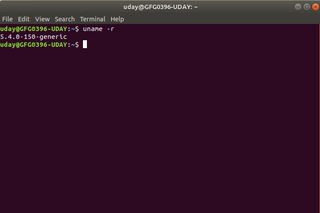
Run this read-only command on the Linux host:
uname -rRecord the output and identify the exact distribution and release. Kernel version numbers alone may not tell you whether a vendor fix is installed: distributions can backport security fixes without changing to a newer upstream version. For background on checking a kernel version, see How to Check Your Linux Kernel Version and Update It Safely.
2. Check your vendor’s CVE status
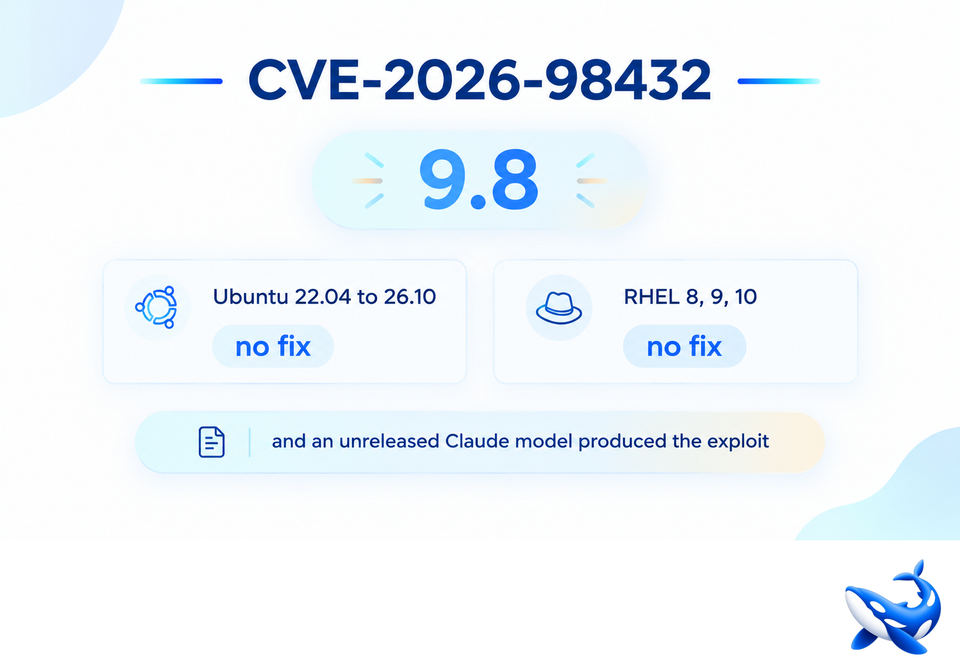
CVE-2026-98432 concerns a race in the Linux kernel’s IPv4 networking code that can cause a use-after-free. Severity and impact assessments differ: the kernel CNA rating reported in the supplied material is 9.8, while Red Hat lists a preliminary CVSS 3.1 score of 8.1 and describes denial of service or potential memory corruption. Do not assume one distribution’s status or fixed version applies to another.
SUSE: The supplied status lists these released fixes: SLES 16.0, SLES for SAP 16.0, Micro 6.2, and Leap 16.0 at
kernel-default6.12.0-160000.40.1 or later; SLES 15 SP4-LTSS at 5.14.21-150400.24.246.1 or later; SP5-LTSS at 5.14.21-150500.55.195.1 or later; SP6-LTSS at 6.4.0-150600.23.143.1 or later; Micro 5.3 and 5.4 at 5.14.21-150400.24.246.1 or later; and Micro 5.5 at 5.14.21-150500.55.195.1 or later. Check the current SUSE CVE page for your exact product before updating.Amazon Linux 2023: The supplied material says fixes are available for kernel 6.12 and 6.18, but does not provide fixed package versions. Confirm the applicable package in the current Amazon Linux advisory before installing it.
Ubuntu: The supplied status says work was in progress and no fixed version was listed at the time. Check the Debian tracker entry for CVE-2026-98432 only for Debian status; for Ubuntu, consult Ubuntu’s current tracker. Do not use a version copied from an unverified guide.
Red Hat Enterprise Linux: The supplied Red Hat page does not list a confirmed fix or affected products, and says no mitigation is available or meets its criteria. Check the Red Hat CVE page for updates. AlmaLinux and Rocky Linux status was not confirmed in the supplied material.
3. Install a confirmed fix and reboot
If your vendor lists a fixed package for your exact release, use that vendor’s supported package-update procedure to install it. The supplied sources do not establish one safe update command for every distribution, so do not copy a generic command or install a kernel package intended for another release. If no fix is listed, keep checking the vendor tracker and ask your administrator or cloud provider for guidance; the supplied material does not confirm a live-patch fix or a workaround.
After installation, reboot during the approved maintenance window so the system runs the updated kernel. This can interrupt active services. Do not treat a package being installed as proof that the running kernel has changed.
4. Verify after reboot
Run uname -r again. Compare the running kernel with the fixed package or release stated by your vendor, taking vendor backports into account. If the result is unclear, use the vendor’s advisory or support channel rather than judging only by the upstream version string.
Troubleshooting
The version appears older than the fixed version: Confirm the exact distribution release and whether the vendor backported the fix. Ask the vendor or system administrator to interpret the package status.
You cannot reboot now: The supplied information does not confirm a no-reboot fix. Record the installed package, arrange a reboot as soon as your service requirements allow, and check the vendor advisory for updated guidance.
The server is managed or cloud-hosted: Check the provider’s notice and confirm whether you or the provider manages the host kernel. Container kernel output alone does not establish the host’s patch status.