Adobe Suite alternatives: free tools and ArtCraft apps
Compare Adobe alternatives for photos, vectors, video and layouts, including ArtCraft's AI-assisted recreations, free tools and compatibility checks.
For an Adobe alternative, start with the job you need to finish: GIMP or Photopea for image editing, Inkscape for vectors, darktable for RAW photography, and DaVinci Resolve for video. Affinity combines photo editing, vector drawing and page layout. The newer ArtCraft projects are also worth examining, but their developers still describe them as alpha or pre-alpha software.
You do not need to replace the whole Creative Cloud suite at once. Choose one workflow, test its replacement on a copy of a real project, and check the files you must deliver before changing a subscription.
Choose an alternative by task
| Adobe workflow | Alternative to examine | Free versus paid distinction |
|---|---|---|
| Photoshop: image editing and composites | GIMP, Photopea or Affinity | GIMP is free/open source; Photopea has a free browser editor; Affinity is free for individuals |
| Illustrator: logos and vector artwork | Inkscape or Affinity | Inkscape is free/open source; check Affinity's current account and organizational terms |
| Lightroom: RAW editing and photo organization | darktable | Open-source photography workflow and RAW development |
| Premiere Pro: editing and color | DaVinci Resolve | Free version available; Studio adds paid features |
| After Effects: compositing and visual effects | DaVinci Resolve's Fusion tools | A different workflow; check which functions require Studio |
| InDesign: page layout | Affinity | Its current application includes page-layout tools |
| Audition: audio recording and editing | Audacity | Free/open-source audio editor; evaluate your production requirements |
This is a task-based shortlist, not a hands-on benchmark or a promise that Adobe project files will open identically. Follow the official links below for downloads and current platform requirements.
Established options to try first
GIMP and Photopea for image editing
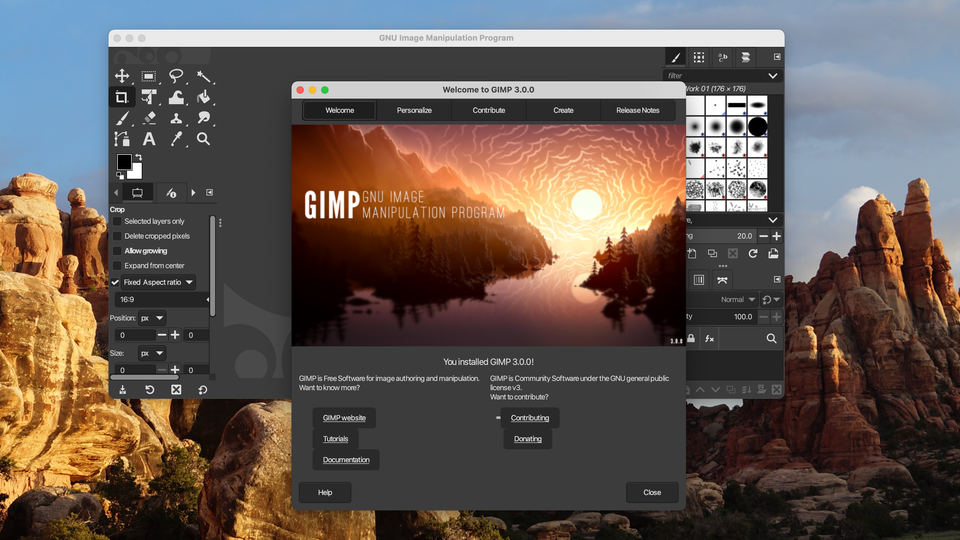
GIMP is a free image editor for photo retouching, image composition and artwork. It suits someone who wants a desktop editing tool and is willing to learn its workflow.
Photopea runs in a browser. Its official site says its editor processes files on your device without uploading them. That is useful when installing another desktop app is inconvenient. Check the application's own terms for any optional services you enable.
For either editor, test the layers, masks, text and export formats used in your actual work. An image looking correct when first opened is different from retaining every editable element after saving it.
Inkscape for vector graphics
Inkscape's official project repository describes a free, open-source vector editor using SVG as its native format, available for Windows, macOS and Linux.
Start with a simple logo or illustration. Inspect text, gradients and paths, then export the format your recipient requests. If an Adobe-specific effect or plug-in is essential, test that requirement separately rather than assuming another vector editor reproduces it.
darktable for a photography workflow
darktable combines RAW development with managing a photo library. It is a closer task match for organizing and developing camera files than a general painting app.
Test samples from your camera before moving a library. Keep original RAW files and a verified backup of your existing catalog. Do not assume that edits, ratings, collections or presets automatically migrate between photography applications.
DaVinci Resolve for video, color and compositing
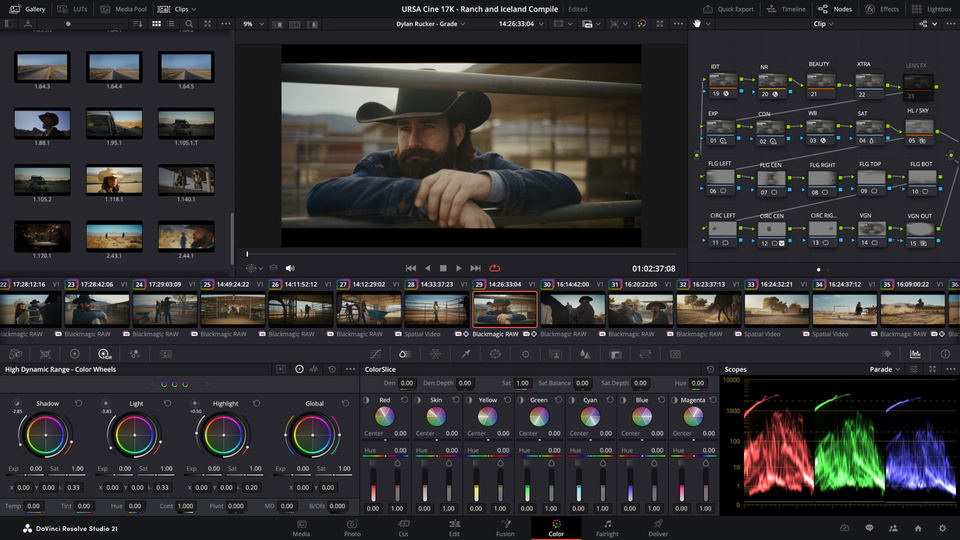
Blackmagic Design's DaVinci Resolve combines editing, color, Fusion visual effects and Fairlight audio tools. Its free version and paid Studio edition have different capabilities.
Before beginning a long project, import a short clip from your camera, edit it and export a delivery file. Check the current system requirements and whether your needed format, effects or AI features require Studio. A familiar-looking timeline is not evidence that an existing Premiere project or After Effects composition will transfer without changes.
Affinity for photos, vectors and page layout
Affinity's official site currently lists photo editing, vector design and page layout in one application, free for individuals. It offers Windows and Mac downloads; organizational access has separate information on the site.
Older comparisons may describe a different Affinity product lineup or pricing model. Use the current download and account pages, and check the terms for any connected Canva or AI features separately.
Audacity for audio
Audacity is a free, open-source audio recording and editing option. Try it with a short recording and your usual export requirements before moving an ongoing audio project. A tool for recording and editing audio does not automatically reproduce every Audition session feature.
The newer AI-assisted recreations: ArtCraft
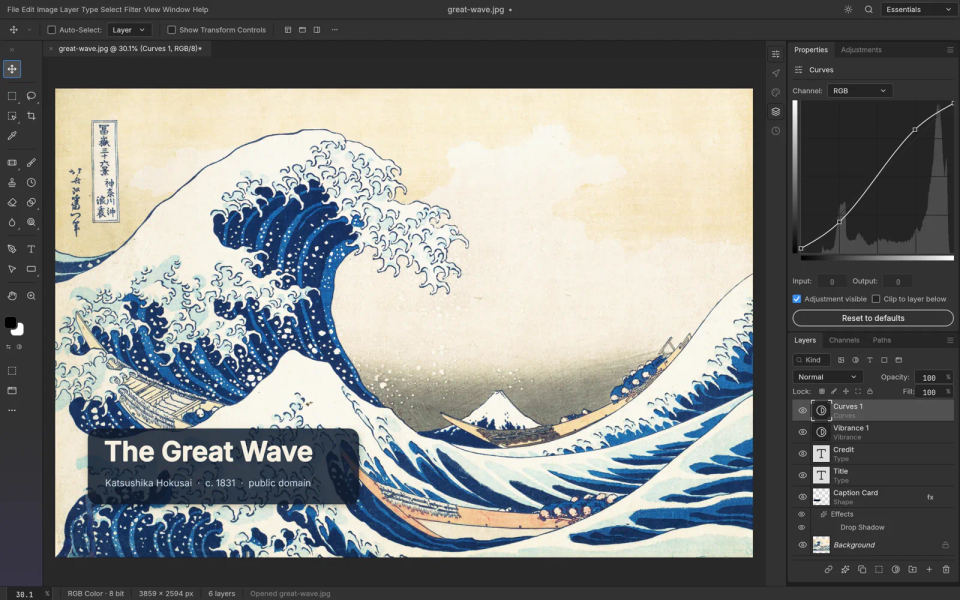
The recent wave of AI-assisted software recreation has attracted attention, including reporting on ArtCraft and Adobe-style applications. The ArtCraft developers describe their tools as open-source, clean-room applications built from scratch. That is their description of the implementation approach, not proof of identical Adobe behavior.
These are separate applications with different scopes and maturity. The following stages come from their official repositories, checked in October 2026:
| ArtCraft project | Intended task | Developer-reported stage |
|---|---|---|
| PhotoCraft | Photoshop-style image editing | Early alpha; the project explicitly says it is not yet a daily professional Photoshop replacement |
| VectorCraft | Illustrator-style vector artwork | Alpha |
| LightCraft | Lightroom-style photo organization and RAW development | Alpha; camera support and calibration need checking |
| FilmCraft | Premiere-style video editing | Alpha |
| EffectCraft | After Effects-style motion graphics and compositing | Alpha |
| DesignCraft | InDesign-style page layout | Pre-alpha |
| PdfCraft | Acrobat-style PDF tasks | Alpha; the repository lists editing and conversion limitations |
A percentage of implemented menu commands is not the same as reliable file compatibility. Check each project's release notes and known gaps for your workflow. Development stages can change; a screenshot or download button does not establish production readiness.
AI-assisted development also does not mean that an application includes Adobe's generative features, or that every optional AI service is free. Read the relevant app's documentation and service terms rather than treating the whole ArtCraft name as one feature or pricing promise.
For the office side of this trend, see our Word alternatives guide and its WordCraft update.
How to test a replacement before switching
Write down your delivery requirements. Include file formats, editable layers, fonts, color requirements, plug-ins and collaboration needs. Ask a client or print provider which files they accept.
Make a small test pack. Use copies of one representative image, vector file, video sequence or layout. Include a difficult example, not only the simplest file you own.
Open and inspect. Compare layers, masks, text, linked media, timing and effects with the original. Note unsupported elements instead of silently flattening or discarding them.
Save to a new file. Keep the original project intact. Reopen the new file in the application your collaborator uses if exchanging editable projects is a requirement.
Check the final output. Inspect a PDF, image or video export independently. For layout work, request the relevant print check before committing to a production run.
Change one workflow at a time. Keep access to necessary project files and verify backups before uninstalling software or making subscription changes.
These are suggested evaluation steps, not results from testing every application in this article.
Common questions
Is there one free replacement for all of Creative Cloud?
The options here cover different jobs. Affinity combines several design workflows; Resolve combines several video and audio workflows. Neither claim makes it a replacement for every Adobe application, shared library, plug-in or collaboration service.
Will PSD, AI, INDD or Premiere project files transfer perfectly?
Do not assume so. Consult the alternative's current format documentation and test copies of your files. A rendered preview can look right while editable structure, fonts, effects or linked assets are missing.
Do I need a new PDF editor for simple PDF work?
Start with the task. Our guides explain combining PDF files and editing a PDF. Choose an application that supports the particular operation rather than replacing a whole suite for one document.