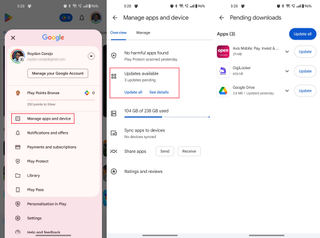
How to Check for and Install the Latest Google Pixel Feature Drop
Check Settings > System > Software update; rollout timing and feature eligibility vary, and the supplied evidence covers the November 2025 drop only.
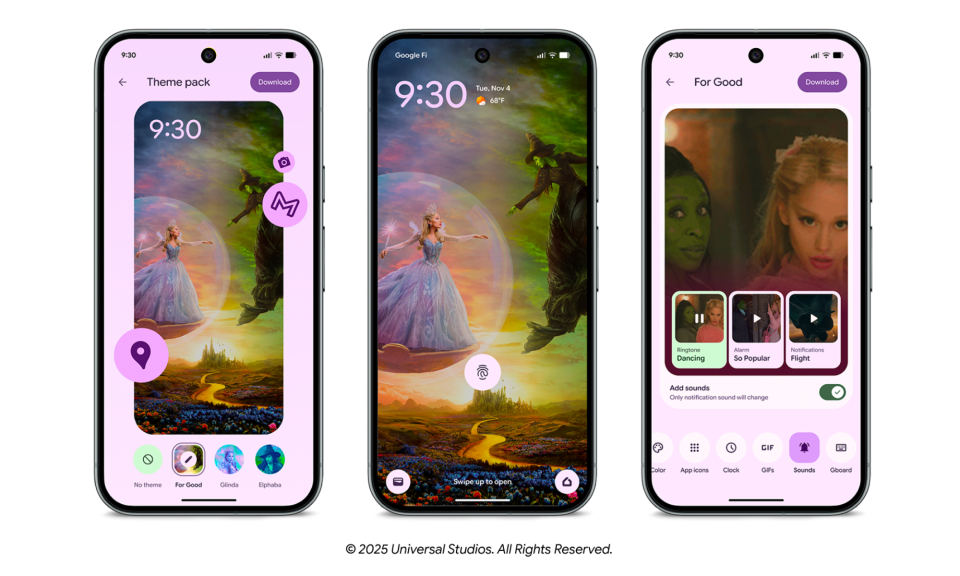
Open Settings > System > Software update and check the status. If an update is offered, follow the instructions shown on your Pixel. Google says updates roll out gradually and can depend on the device and carrier, so the November features may not appear on every phone at once.
Before you check
The supplied Google announcement describes the November 2025 Pixel Drop. It does not confirm what the latest Pixel Drop is in November 2026. This guide therefore explains how to check for the newest update available to your own phone and how to assess the November 2025 features; it cannot verify a newer drop.
Pixel updates can include security enhancements, new features, operating-system updates, and bug fixes. A Pixel Drop may include new or upgraded features, but Google’s announcement does not give one universal update version that you can use to identify the November drop.
Check whether a feature applies to your phone and region
Feature availability differs. The November 2025 announcement gives these examples:
Scam alerts in chat notifications: Pixel 6 and newer phones in the U.S.
Scam Detection for phone calls: Pixel 9 and newer in the U.K., Ireland, India, Australia, and Canada.
Personalized Google Photos edits: eligible Android users in the U.S.
Call Notes: available in Australia, Canada, the U.K., Ireland, and Japan. The announcement does not specify the supported phone models for this rollout.
Remix in Google Messages: lets users remix photos and share the results, including in group chats. The supplied announcement does not give enough detail to confirm every device or region requirement.
The announcement does not state prices or subscription requirements for these features. It is not enough evidence to label them free or paid.
Check for and install an update
1. Open the update screen
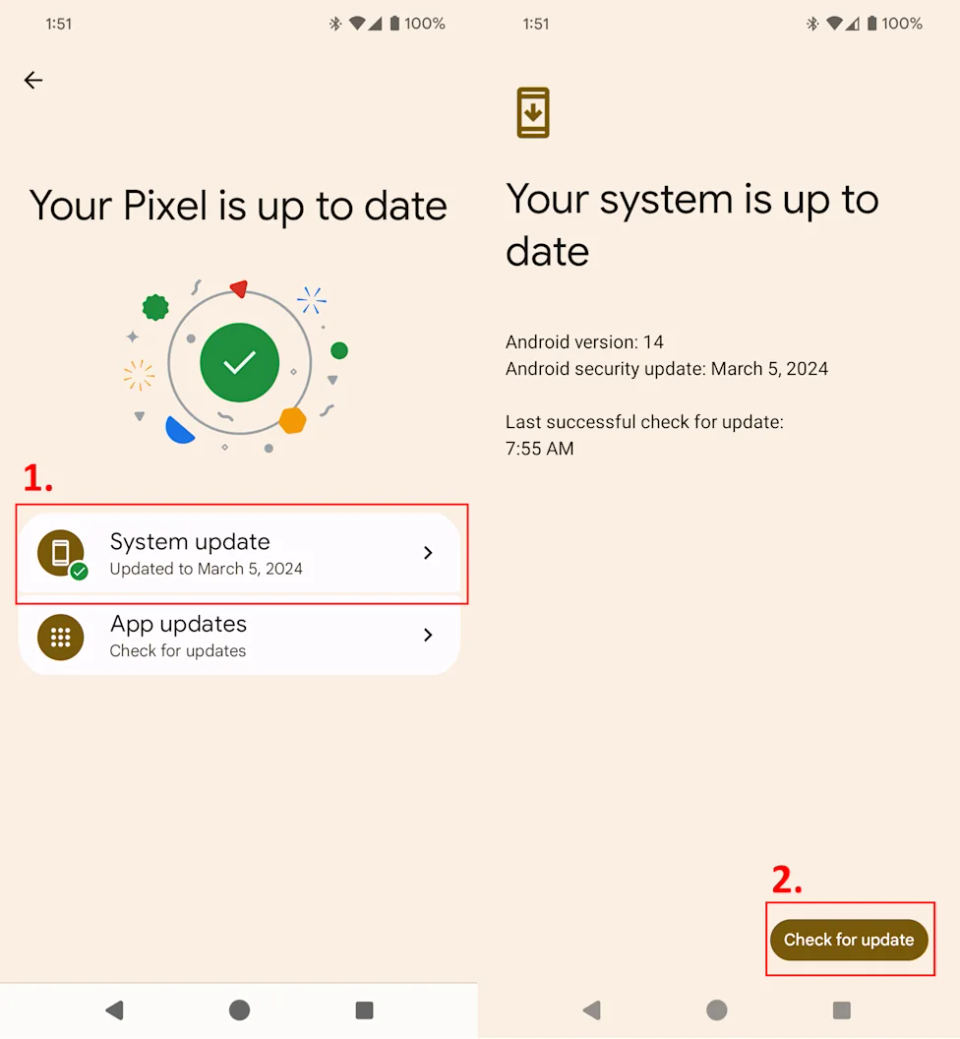
On your Pixel, open Settings, tap System, then Software update. Google’s Pixel Help page says this screen shows your update status and that you should follow any steps shown there. Google Pixel software update help
2. Read the status
The screen will show your update status. If an update is available, follow the on-screen steps to install it. The supplied instructions do not specify additional buttons, a required connection type, or a particular amount of free storage, so use the prompts on your own device rather than relying on a guessed menu or process.
If the screen says your phone is up to date, that means there is no update offered to it at that check. It does not prove that every announced feature is available on your model or in your region.
3. Allow for the staged rollout
Updates roll out gradually and may take a few weeks to reach a device. Google says availability depends on the carrier and device. Phones bought from the Google Store typically receive updates within two weeks; phones bought elsewhere may take longer. These are typical timeframes, not a guaranteed arrival date.
4. Check the phone’s software details
Google says you can find the Android version number and security update level in the Settings app. Compare those details with any update information shown on your phone. The supplied sources do not provide a specific November 2025 build number, so a build-number match cannot be used here to confirm this drop.
Troubleshoot a missing update or feature
The update screen says “up to date”
Wait and check again later. A staged rollout can take a few weeks, and carrier or device differences can affect timing. If you bought the phone outside the Google Store, Google notes that delivery may take longer.
The update installed, but a feature is missing
Check the feature’s stated device and country availability above. The update itself does not make every feature available on every Pixel. For example, the announced chat scam alerts are limited to Pixel 6 and newer phones in the U.S.; the phone-call Scam Detection rollout has a different device and country scope.
You need help with your particular phone
Use Google Pixel Phone Help for device-specific troubleshooting or to contact Google. The November 2025 announcement is available in Google’s Pixel Drop article.
How to verify completion
Return to Settings > System > Software update and review the status shown there. If you installed an offered update, the screen should show the resulting update status. Then check the relevant feature against its device and regional limits; the announcement does not promise that every feature appears immediately after installation or provide a universal checklist to confirm the whole drop.